
Feature deep-dive · Live Classes
Live classes without juggling 3 apps.
WebRTC video, auto-recording, attendance tracking, and student access control — inside Upkram, not Zoom.
Mobile-first PWA·Works offline·हिंदी UI
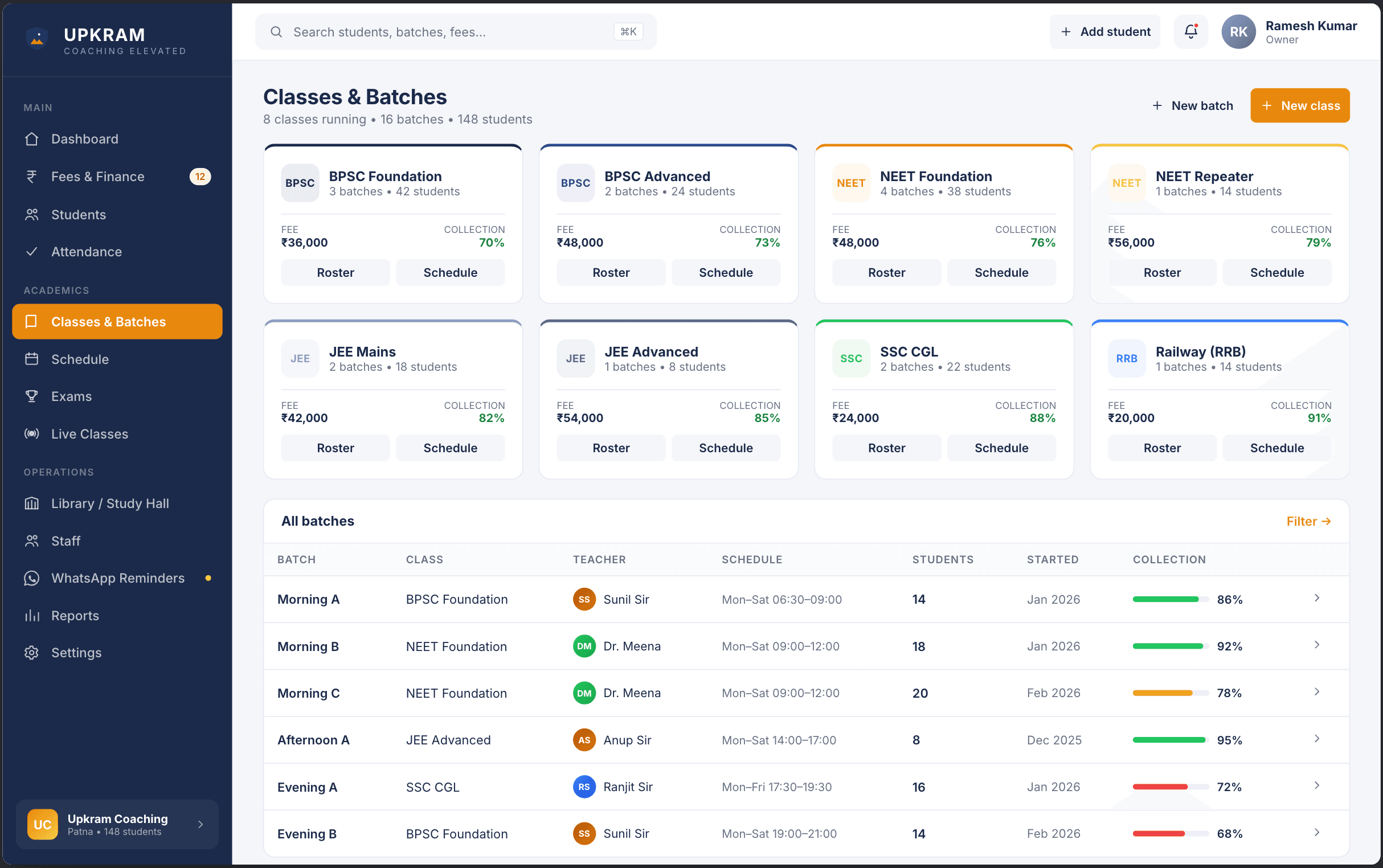
Why live classes is hard today
The reality of running a coaching center without the right tools.
Zoom links shared in WhatsApp groups get forwarded to non-students
Recording files lost across teacher phones
No attendance for live sessions
Your batch. Your room. Your data.
What Upkram live classes does
WebRTC video, auto-recording, attendance tracking, and student access control — inside Upkram, not Zoom.
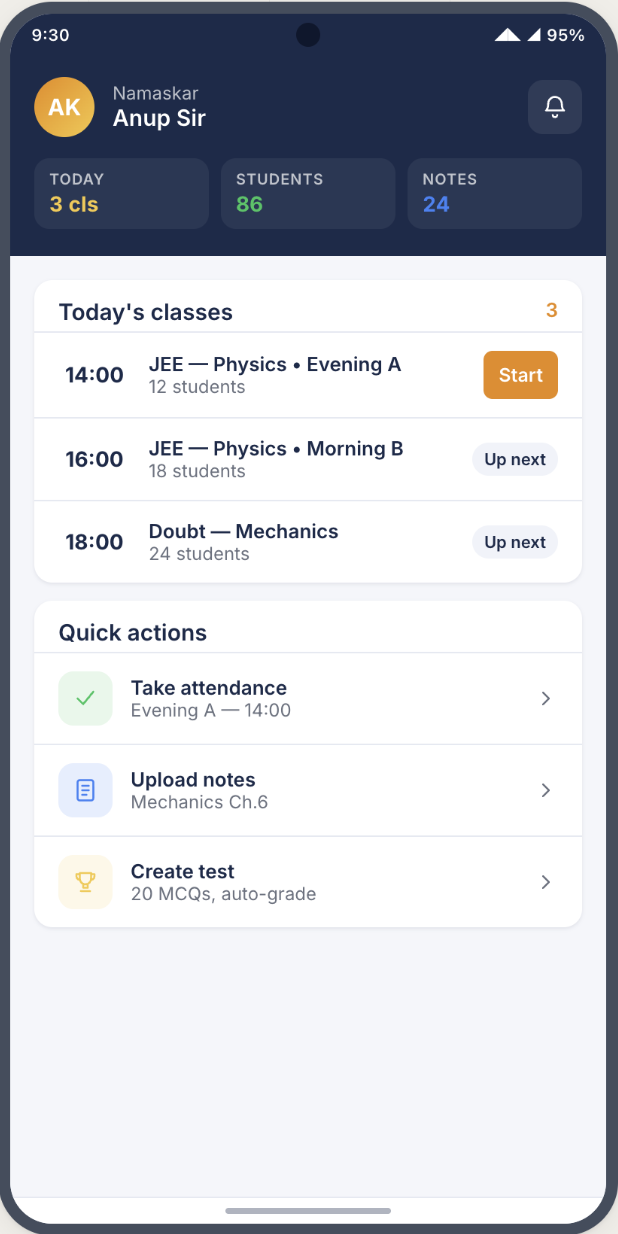
- One-click start-live from the class schedule
- Auto-attendance based on join time
- Recording saved and linked to the class
- Student-only access (no shareable link leakage)
- 100ms-powered — low latency across 3G
- Screen-share, chat, and raise-hand
Works on the phone you already have
Upkram is a PWA — nothing to download from Play Store, nothing to update. Works on 3G, installs in 10 seconds.
Live Classes FAQs
How many students can join a live class?
Up to 500 concurrent students per room on the Pro plan. Enterprise supports larger cohorts.
Does it work on 3G?
Yes. 100ms adapts quality to network conditions — falls back to audio-only on very poor networks.
Can I download recordings?
Yes. Recordings are available for download up to 30 days on Pro and indefinitely on Enterprise.
Put live classes on autopilot.
Free plan. No credit card. Full access to this module from day one.